There is a Web3 Dapp that uses MetaMask to try the methods of your smart-contract on Ethereum. In this Dapp also you can create a simple Token contract (but don’t verify it). Try it here (it’s very simple and easy!)
Read More

www.MrAddon.com ®: Jira & Confluence Administration Support Blog
jira confluence admin administration support script scriptrunner groovy mraddon barcelona plugin custom development it technology barcelonatech development
There is a Web3 Dapp that uses MetaMask to try the methods of your smart-contract on Ethereum. In this Dapp also you can create a simple Token contract (but don’t verify it). Try it here (it’s very simple and easy!)
Read More
MetaMask only supports officially Ethereum and the Ethereum Testnets, but you can use a branch of MetaMask to use it with Ethereum classic. (You can download from here) See here also the code of the new development of ClassicMask. If you don’t know the history between Ethereum and Ethereum Classic, you can read the Dexaran interview here.…
Read More
To start, we need to create a Smart-Contract in the Ethereum Testnet, we can use Remix and MetaMask If you don’t know how to, you can read these posts: Creating my first Ethereum Smart-Contract in Test net Creating MrAddon token in Ethereum We will use this code: Once connected with our MetaMask ( plugin of…
Read More
This post is the continuation of the previous post: How to call methods of Ethereum Smart-Contracts from WordPress with MetaMask, Web3 and Javascript Now we want to call the method “buy” and send some Ether in the transaction to buy tokens from our Ethereum Smart-contract (for MAAT tokens). Then we must change the javascript code…
Read More
First you must create and deploy a SMART-CONTRACT in the Ethereum Test Net, you can follow these instructions: Creating my first Ethereum Smart-Contract in Test net Creating MrAddon token in Ethereum This post is based in the information of the previous post: Javascript development to interact with Ethereum Smart-Contracts To start, we have hosted a…
Read More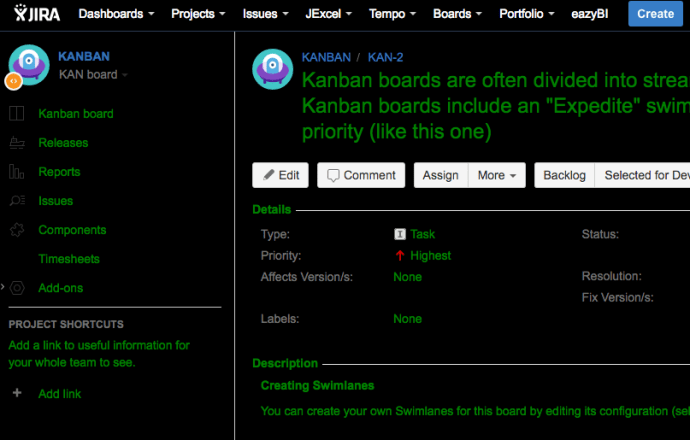
Very easy with ScriptRunner! But first… you need to change the setenv.sh file from your bin folder of JIRA. We need to add to the JVM_REQUIRED_ARGS the system property plugin.resource.directories Once added to the target folder, you can upload here the CSS or JS files you need for you UI customizations. Then RESTART the jira…
Read More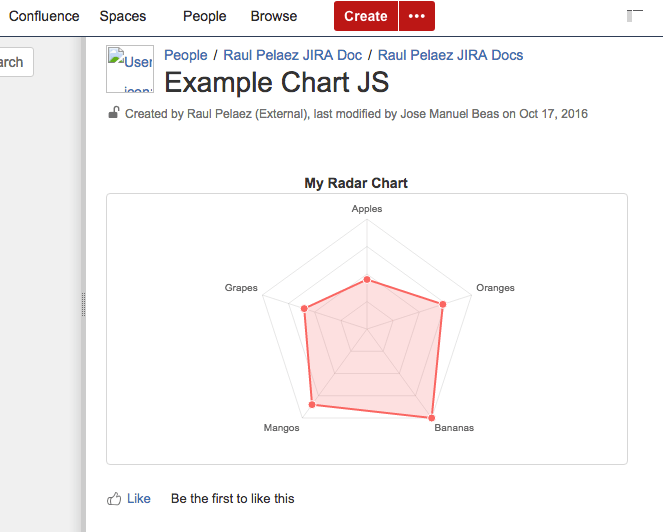
Original POST from Lewe.com and adapted for Confluence 5.10 by MrAddon and Jose Manuel Beas (super Agile coach) Instructions: First go to the Conflunce Configuration/Administration and create two User Macros In the first User Macro: chartjs, put this code (with “No Macro body“): In the first User Macro: radarchart, put this code (with “No Macro body“):…
Read MoreIt’s very simple! Just write with your favorite text editor a XML file, like this example: Now upload the XML file to the internet (like github), and get the RAW URL of the file. Now, go to ADD GADGET in your DASHBOARD, then MANAGE GADGETS and install the URL of the XML file. That’s all!…
Read MoreVery easy! First, go to the Project Administration of your target project to remove the option. Then, go to the Field Configuration ( all of them if there are more than one). Edit the “description” of the “description” field ( or some customfield that is visible in the project screens). Add this “javascript” code in…
Read More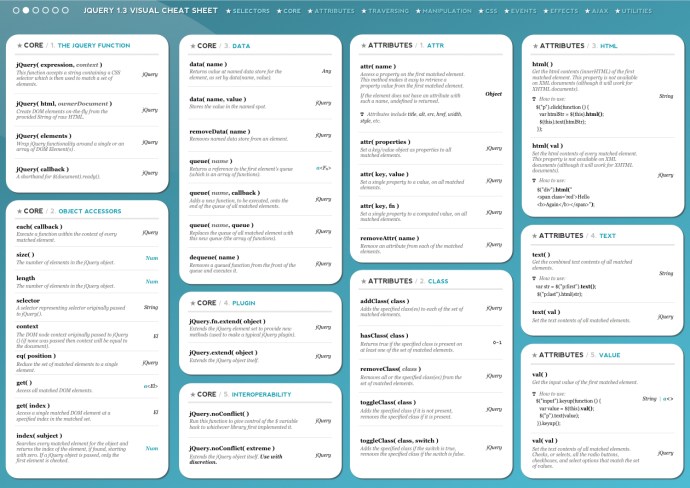
Download PDF: jQuery-1.7-Visual-Cheat-Sheet See ONLINE jQuery Visual Cheat Sheet: http://jqapi.ru/ Indispensable for Javascript JIRA Add-ons
Read More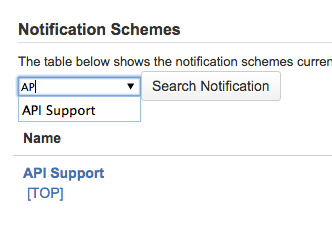
Hi people, My new plugin is coming! If your JIRA is a large instance, you probably use & abuse of the Web browser functionality : “search”… for customfields, workflows, workflow schemes, permissions schemes, views, DVCS repos … with this plugin, this functionality is added in the top buttons of each view of the project administration artifacts…
Read More
NOTE: In this moment I have created a new PLUGIN TO DO THIS. At mobile.de many teams use Kanban to organise their project work. JIRA together with theJIRA Agile plugin (formerly known as Greenhopper) allows you to configure and maintain an electronic Kanban board and even define WIP limits per column. However, if you’d like to have multi-column WIP…
Read MoreOur recommended books:
 |
 |
 |
 |
 |
 www.MrAddon.com ®: Jira & Confluence Administration Support Blog