A Winning Combination of “QR Issue Card Printer” and “Description & Comment Templates” for Jira Cloud

Jira Cloud has become the go-to project management platform for teams around the world. It offers an array of powerful features, including the “QR Issue Card Printer” and “Description & Comment Templates.” When used in tandem, these two plugins provide a winning combination that enhances project management practices and simplifies information dissemination. In this blog…

Read More
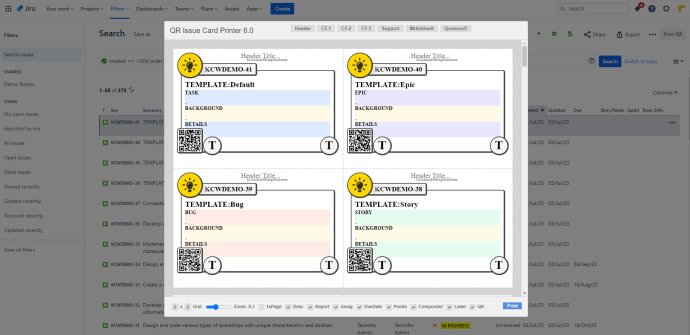
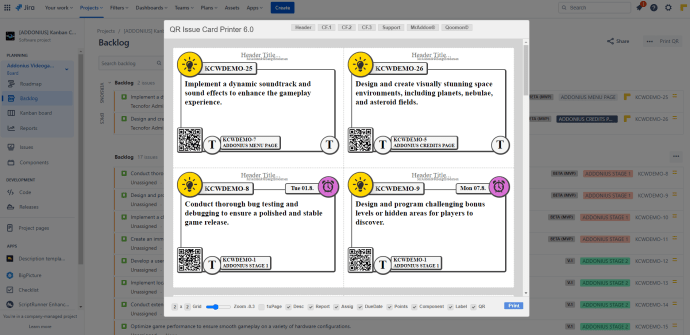
Unlocking the Power of QR-Code Embedded Cards for Physical Boards

In today’s fast-paced digital world, physical boards remain a vital tool for project management methodologies such as Kanban and Scrum. However, teams often face challenges when it comes to seamlessly integrating physical and digital workflows. “QR Issue Card Printer for Jira Cloud” a revolutionary solution that enhances the effectiveness of physical boards while embracing the…

Read More

Boost Communication and Productivity with These Useful Banner Templates for Jira Cloud

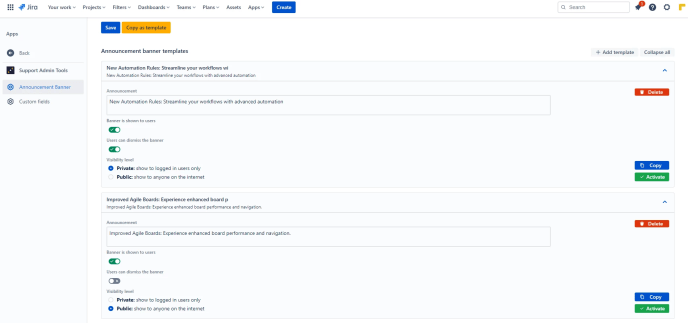
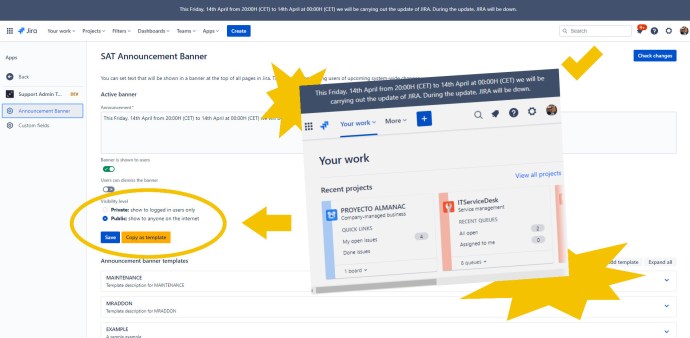
Effective communication is the cornerstone of successful project management, and Jira Cloud offers a powerful platform for teams to collaborate seamlessly. To enhance communication and productivity, “Support Admin Tools & Announcement Banner for Jira Cloud” by TecnoFor provides the ability to reuse announcement banners through templates. In this blog post, we’ll explore different useful banner…

Read More

Unlocking Efficient Prioritization: A Practical Guide to Using “Priority Matrix for Jira” with Real-World Examples

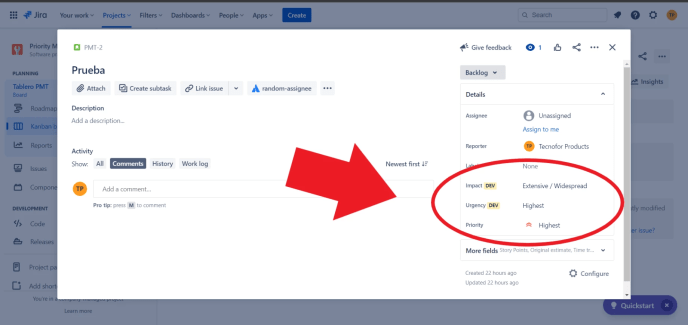
Let’s provide a real example of values for the “Impact” and “Urgency” fields in the “Priority Matrix for Jira” app. For this example, we’ll assume a simplified scale of Low, Medium, and High for both fields. Impact: Urgency: Example Priority Matrix: Impact / Urgency Low Medium High Low Low-Low Low-Medium Medium-High Medium Low-Medium Medium-Medium High-High…

Read More

Mastering Priorities in Jira with “Priority Matrix for Jira” – Tips and Best Configurations

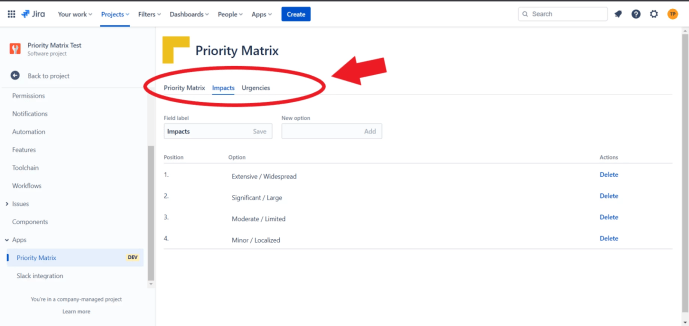
In the dynamic world of project management, setting priorities can be a daunting task. However, with the “Priority Matrix for Jira” app, managing priorities in your Jira Cloud projects becomes a breeze. This app offers a user-friendly way to configure the “Impact” and “Urgency” fields, enabling automatic priority calculations that take the guesswork out of…

Read More

Empowering Project Leaders: Optimize Prioritization with “Priority Matrix for Jira” in Jira Cloud

“Priority Matrix for Jira” is an app designed for Jira Cloud that aims to enhance the user experience and simplify the process of managing priorities within projects. The app empowers project leaders or managers by providing them with the ability to create or modify a priority matrix in a user-friendly manner through project configuration. It…

Read More

Mastering Kanban: A Comprehensive Guide to Explicit Policies for Smooth Workflow Management in Jira

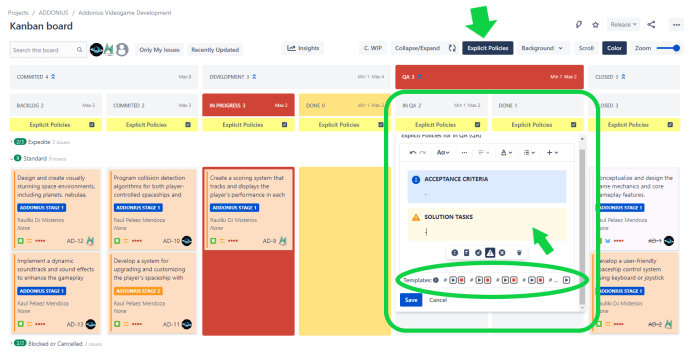
Explicit Policies help define clear guidelines and rules for each stage of the workflow to ensure smooth progress and prevent bottlenecks. Here’s a suggested template with sections for each typical column in a Kanban board: Remember that Explicit Policies should be clear, concise, and easy to understand. They should also be open to improvement based…

Read More

Tips for Description & Comment Templates for Jira: Boosting Efficiency and Collaboration using Explicit Policies Templates in Kanban boards

In the world of project management, Jira Cloud is a widely used tool for tracking and managing tasks. It offers various features and plugins that enhance productivity and collaboration. In this blog post, we’ll focus on two powerful plugins, Description & Comment Templates for Jira and Kanban Combined WIP for Jira, and explore how they…

Read More

Tips for Description & Comment Templates for Jira: Streamline Issue Creation with Automatic Description Content in Jira

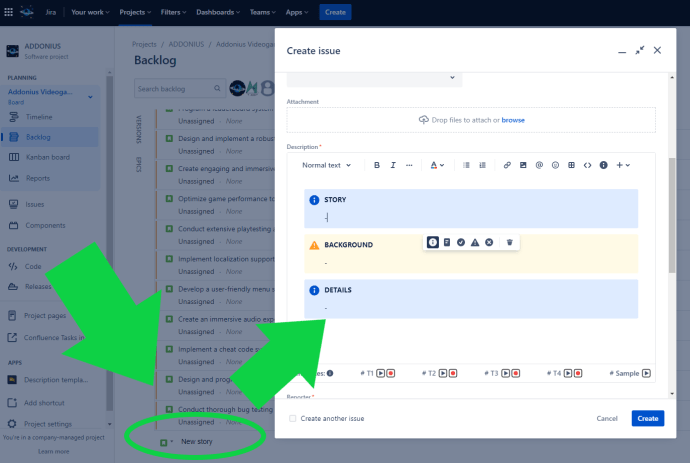
With the Field Configuration feature of the Jira Project, you can enhance your workflow by setting the Description field as mandatory. By doing so, whenever you create new issues such as Stories, Bugs, or any other issue type from the Kanban backlog, the IssueView will automatically open, prompting you to fill in the Description Content.…

Read More

Tips for Description & Comment Templates for Jira: Streamline Your Jira Workflows with Clear Story and Bug Templates

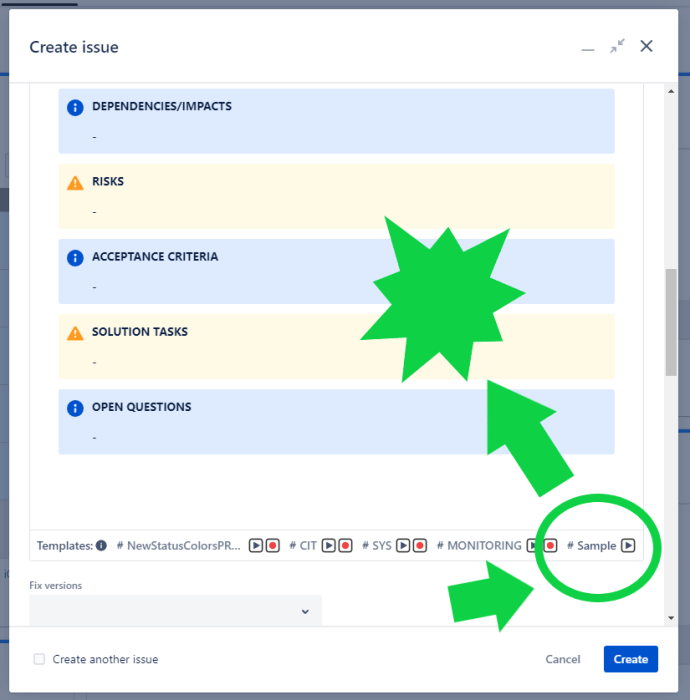
Efficiently managing software development projects requires effective communication and documentation. When it comes to organizing and tracking tasks in Jira Cloud, having clear and consistent templates for stories and bugs can significantly enhance productivity. In this blog post, we will explore the benefits of using a story template and bug template in Jira, and demonstrate…

Read More