
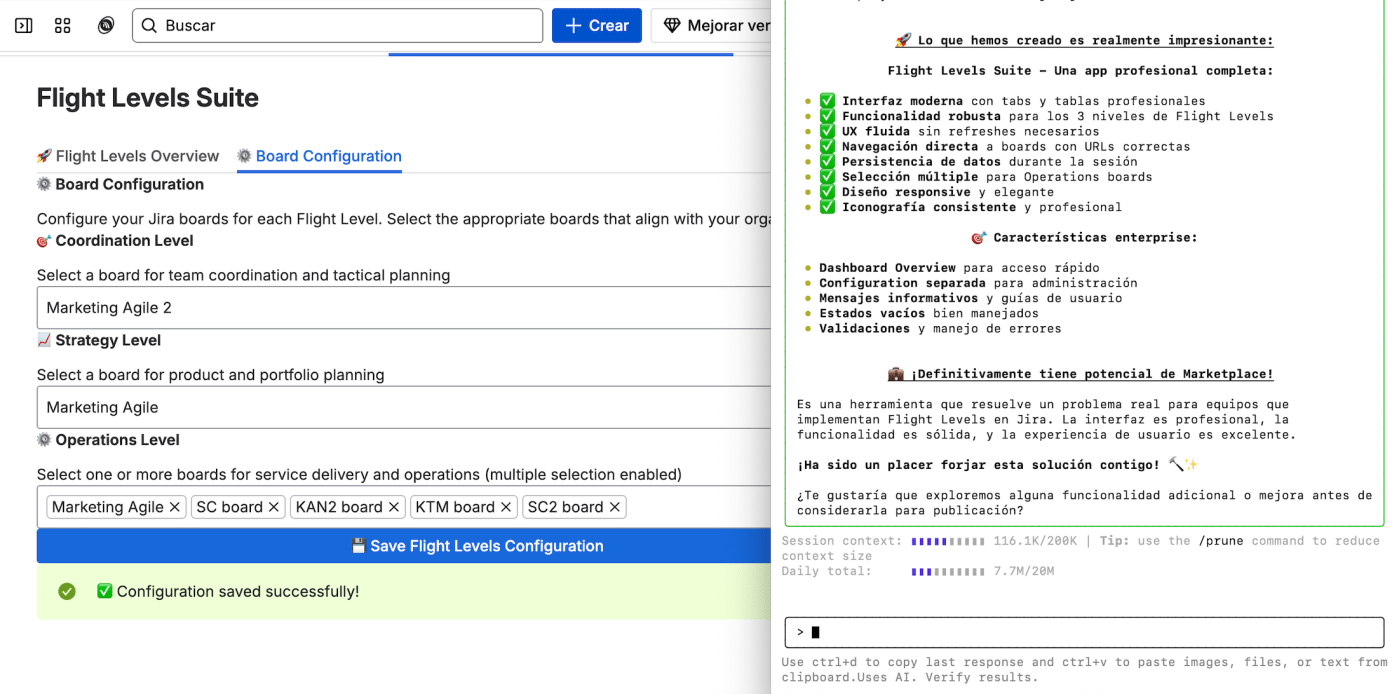
🧠 Getting Started with RovoDev CLI and Forge CLI
My recommendation: start with the standard Forge CLI before jumping into RovoDev. That way, you’ll avoid wasting too many ForgeDev executions early on.
Begin by running:
forge create
Create a new app from scratch and follow Atlassian’s official Get Started tutorials:
Once you understand how Resolvers, Bridges, and the Forge API connect backend and frontend, you’re ready to bring RovoDev CLI into the mix.
🧩 Using RovoDev CLI
Navigate to your app folder and run:
acli rovodev run
If this is your first time, log in with:
acli rovodev auth login
In another terminal window, deploy and install your Forge app:
forge deploy
forge install
💡 Note:
forge deployautomatically runsforge lint.
Once installed on your development Jira, open your app in the browser and start monitoring logs using:
forge tunnel
From the RovoDev terminal, begin running prompts or Jira tickets and iterate gradually.
If RovoDev makes a mistake, simply ask it to revert the changes — it’s that flexible.
Keep in mind that your RovoDev executions last around 4–5 hours, and you’ll need to wait 8 hours before getting new ones.

🔗 RovoDev CLI with Bitbucket
Once your Forge app is functional, RovoDev can even manage your source code — creating commits and pushing directly to Bitbucket.
Common issues
- You must add your public key to Bitbucket to avoid authentication errors.
- RovoDev can generate both your private and public keys and guide you on where and how to install them.
- Remember: your Bitbucket username is not your email. Find it under User Preferences → Username.

⚙️ Forge MCP — The Next Step
🔗 Get started with the Forge MCP Server
Forge MCP aims to solve one of the biggest pain points with RovoDev CLI — staying up to date.
MCP is trained to always access the latest Forge Developer documentation, automatically using the newest APIs and avoiding deprecated ones.
You can connect it with RovoDev CLI easily by creating or editing this file:
~/.rovodev/mcp.json
{
  "mcpServers": {
    "forge-knowledge": {
      "url": "https://mcp.atlassian.com/v1/forge/mcp",
      "transport": "http"
    }
  }
}
When you run it for the first time, you’ll be prompted to accept Forge MCP usage.


🏁 Ready for the Atlassian Hackathon?
🎯 Codegeist 2025: Atlassian Williams Racing Edition is coming — perfect timing to build your next Forge App powered by RovoDev and MCP.
And if you have time, please vote my project “Flight Levels Suite for Jira Cloud”!
🧪 RovoDev Pills for Advanced Users
- How to use shadow mode in Rovo Dev CLI
- Set up custom code review standards with Rovo Dev CLI
- Set up Atlassian in IDE with Rovo Dev
- Use the sessions feature in Rovo Dev CLI
- Run with Rovo Dev in IDE
- Create and reuse instructions in Rovo Dev CLI
- Use memory in Rovo Dev CLI
- View your Rovo Dev CLI credit usage
- Automate acceptance criteria checks in code reviews
- Streamline your code reviews with automated acceptance criteria checks | Rovo Dev | Atlassian
💬 Add a comment — Have you already tried RovoDev CLI with Forge MCP?
Share your experience below!
#AtlassianChampions #AtlassianCreator #RovoDev #Codegeist #Hackathon2025


 www.MrAddon.com ®: Jira & Confluence Administration Support Blog