
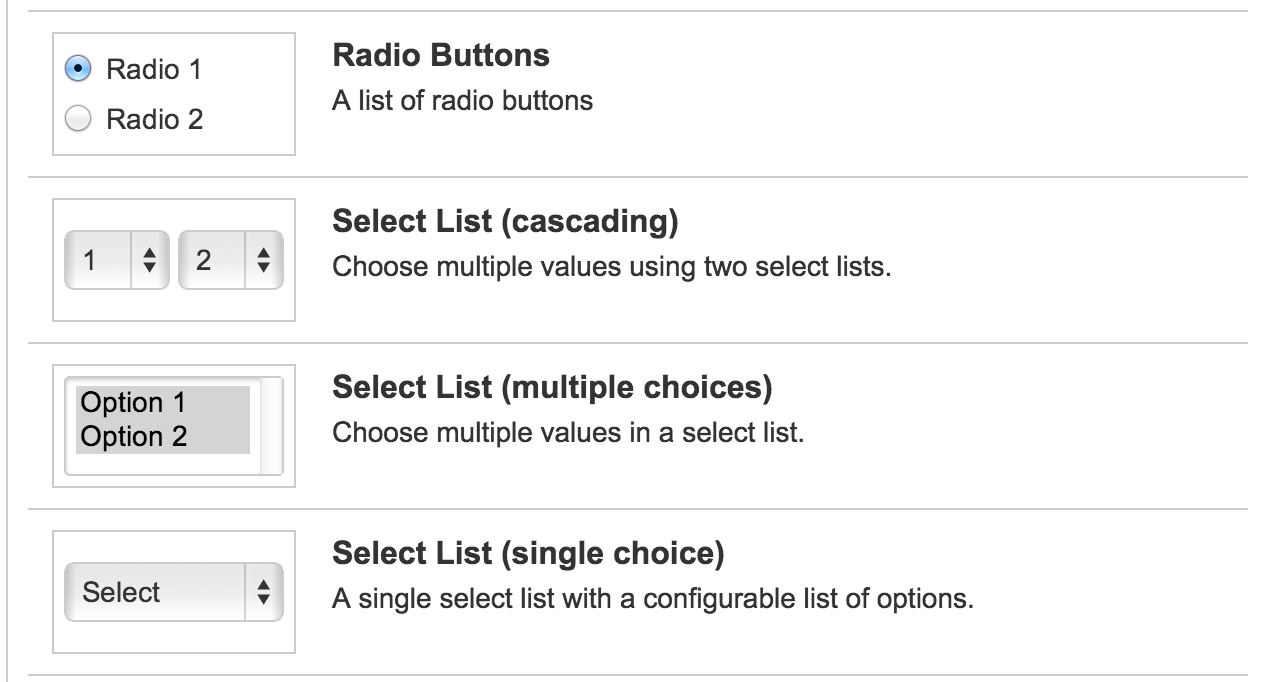
Very useful example to get the values of a cascading customfield using Groovy in Jira.
...
import com.atlassian.jira.issue.customfields.view.CustomFieldParams
import com.atlassian.jira.issue.customfields.option.Option
import com.atlassian.jira.issue.customfields.view.CustomFieldParams
import com.atlassian.jira.issue.customfields.impl.CascadingSelectCFType
...
import org.apache.log4j.Category

log.setLevel(org.apache.log4j.Level.DEBUG)
def field = customFieldMananger.getCustomFieldObjectByName("CASCADING_CUSTOMFIELD_NAME")
Object cfVal = issue.getCustomFieldValue(field)

HashMap<String, Option> hashMapEntries = (HashMap<String, Option>) cfVal
if (hashMapEntries != null) {
Option parent = hashMapEntries.get(CascadingSelectCFType.PARENT_KEY)
Option child = hashMapEntries.get(CascadingSelectCFType.CHILD_KEY)
first = parent.toString()
second = child.toString()
log.debug("Cascading values selected: $first - $second")
}


 www.MrAddon.com ®: Jira & Confluence Administration Support Blog
def cfModule = customFieldManager.getCustomFieldObjects(sourceIssue).find {it.name == "Module"} log.info("Module customField: " + cfModule) def cFieldValue = sourceIssue.getCustomFieldValue(cfModule) log.warn("Show cFieldValue " + cFieldValue) def parentValue = cFieldValue[null] def childValue = cFieldValue["1"] log.warn("Show cFieldValue parentValue " + parentValue) log.warn("Show cFieldValue childValue " + childValue)LikeLiked by 2 people