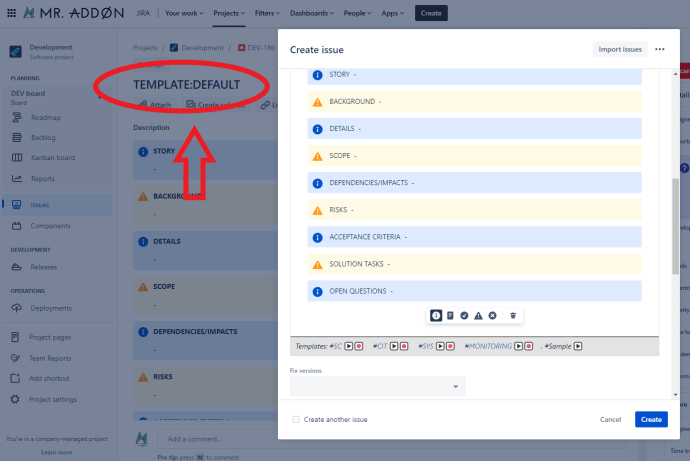
Our Description & Comment Templates for Jira Cloud App has been featured in the Google Chrome Store! 🎉

“The Featured badge is assigned to extensions that follow our technical best practices and meet a high standard of user experience and design.” 😍 This achievement wouldn’t have been possible without the incredible support and feedback from our amazing users. A huge THANK YOU to each and every one of you! 🙏 Your continuous support…

Read More
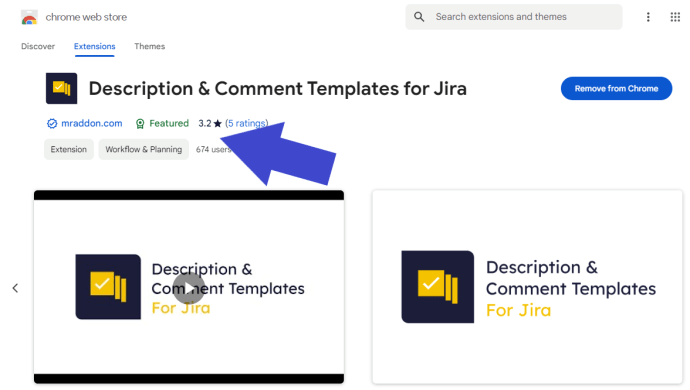
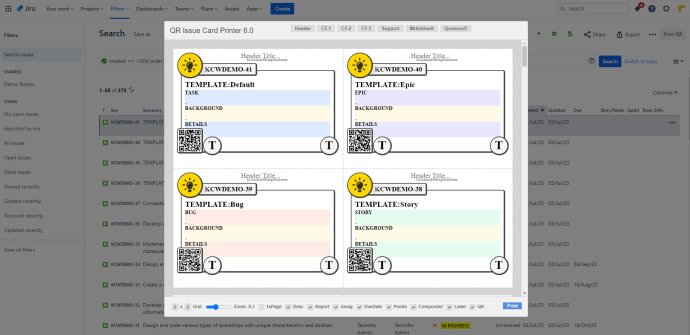
A Winning Combination of “QR Issue Card Printer” and “Description & Comment Templates” for Jira Cloud

Jira Cloud has become the go-to project management platform for teams around the world. It offers an array of powerful features, including the “QR Issue Card Printer” and “Description & Comment Templates.” When used in tandem, these two plugins provide a winning combination that enhances project management practices and simplifies information dissemination. In this blog…

Read More

Boost Communication and Productivity with These Useful Banner Templates for Jira Cloud

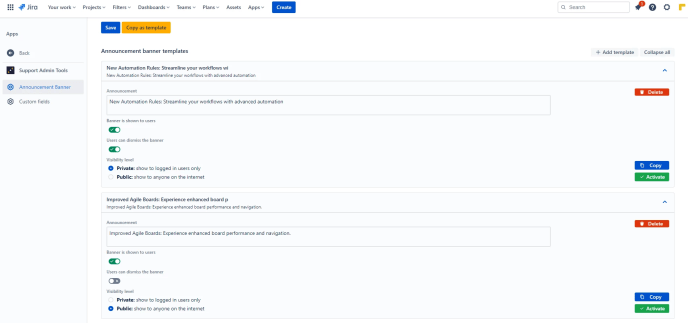
Effective communication is the cornerstone of successful project management, and Jira Cloud offers a powerful platform for teams to collaborate seamlessly. To enhance communication and productivity, “Support Admin Tools & Announcement Banner for Jira Cloud” by TecnoFor provides the ability to reuse announcement banners through templates. In this blog post, we’ll explore different useful banner…

Read More

Mastering Kanban: A Comprehensive Guide to Explicit Policies for Smooth Workflow Management in Jira

Explicit Policies help define clear guidelines and rules for each stage of the workflow to ensure smooth progress and prevent bottlenecks. Here’s a suggested template with sections for each typical column in a Kanban board: Remember that Explicit Policies should be clear, concise, and easy to understand. They should also be open to improvement based…

Read More

Tips for Description & Comment Templates for Jira: Streamline Issue Creation with Automatic Description Content in Jira

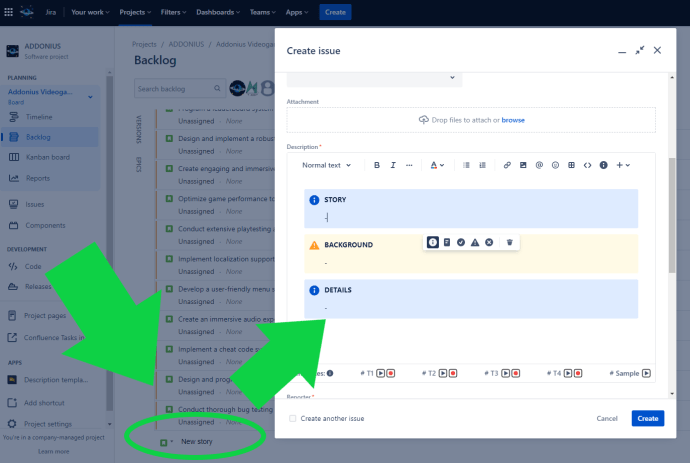
With the Field Configuration feature of the Jira Project, you can enhance your workflow by setting the Description field as mandatory. By doing so, whenever you create new issues such as Stories, Bugs, or any other issue type from the Kanban backlog, the IssueView will automatically open, prompting you to fill in the Description Content.…

Read More

Tips for Description & Comment Templates for Jira: Streamline Your Jira Workflows with Clear Story and Bug Templates

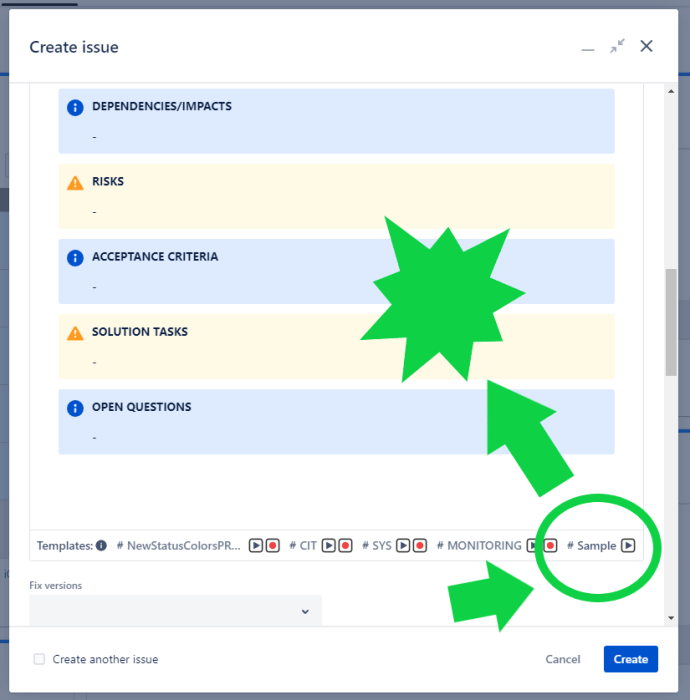
Efficiently managing software development projects requires effective communication and documentation. When it comes to organizing and tracking tasks in Jira Cloud, having clear and consistent templates for stories and bugs can significantly enhance productivity. In this blog post, we will explore the benefits of using a story template and bug template in Jira, and demonstrate…

Read More

Description Templates by Project and IssueType with no Jira Cloud Admin intervention!

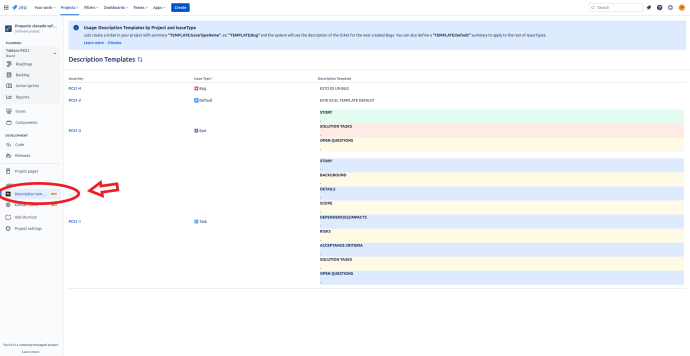
Since October 2022 you can configure Description Templates by Project and IssueType with no Jira Admin intervention! Download from Atlassian Marketplace —> https://marketplace.atlassian.com/apps/1218223/description-templates-for-jira-cloud?hosting=cloud&tab=overview Usage: Description Templates by Project and IssueType Since October 2022, we have released a new powerful feature! Templates by Project with no Jira Admin intervention!! Just create a ticket in your project…

Read More

New feature! Configurable default description templates per project and issuetype! No Jira Cloud administrator intervention required! Coming soon!

At MrAddon we are very happy because we will soon release a new super functionality to Description Templates for Jira Cloud! Now, without the intervention of an administrator, you can create description field content templates to be displayed by default when you create new tickets, just like you could before in Jira Server, but now…

Read More