
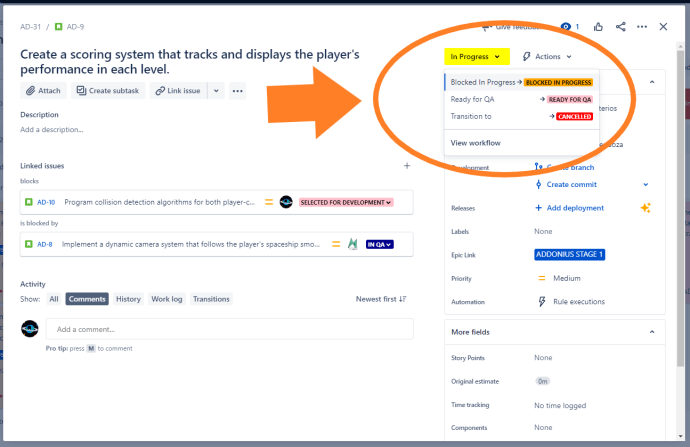
En este webinar contaremos con Raúl Peláez, de Tecnofor, con el que realizaremos una masterclass sobre cómo gestionar bloqueos y dependencias en Jira. Veremos las diferentes formas y las puntuaremos en directo para encontrar la mejor. Y terminamos con un zoom sobre un aspecto que todos discutimos todos los días que son las estimaciones. Raul…
Read More


 www.MrAddon.com ®: Jira & Confluence Administration Support Blog