Introducción al desarrollo en Jira Cloud: Curso de programación para Jira Cloud (Spanish Edition)

📚 ¡Anuncio emocionante! ¡Nuevo libro disponible! 📚 🚀 ¡Introducción al desarrollo en Jira Cloud ya está aquí! 🚀 Si eres un profesional que ya está familiarizado con Jira y estás buscando llevar tus habilidades al siguiente nivel, este libro es para ti. Te presentamos “Introducción al desarrollo en Jira Cloud: Curso de programación para Jira…

Read More

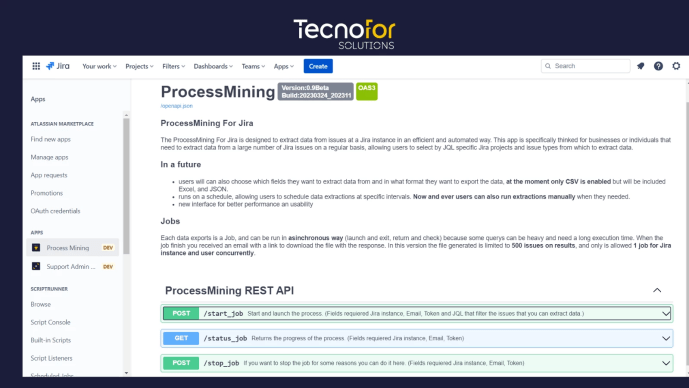
Unleashing Efficiency with Process Mining for Jira by TecnoFor

As businesses grow and evolve, the volume of data they generate also increases exponentially. For organizations leveraging Jira as their project management tool, extracting relevant data from a large number of issues efficiently and automatically can be a daunting task. However, thanks to TecnoFor’s groundbreaking solution, “Process Mining for Jira“, this process has become seamless…

Read More

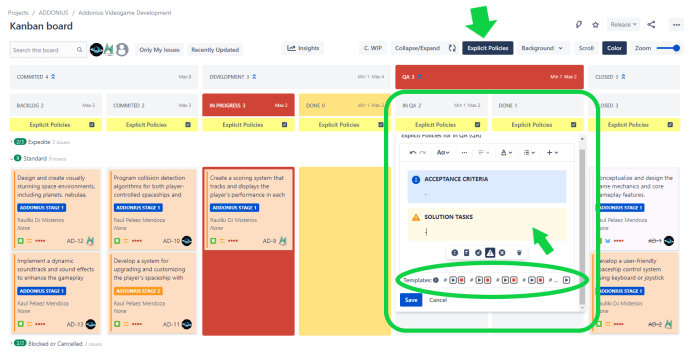
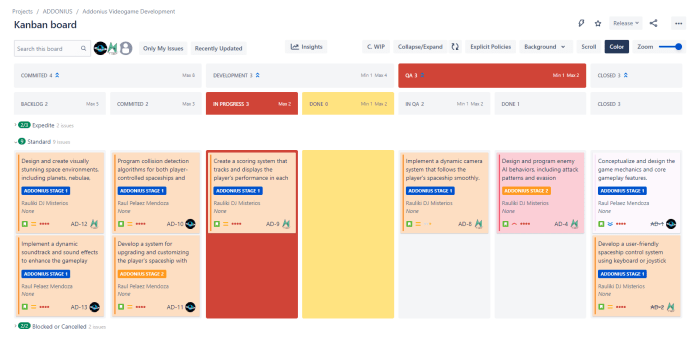
Mastering Kanban: A Comprehensive Guide to Explicit Policies for Smooth Workflow Management in Jira

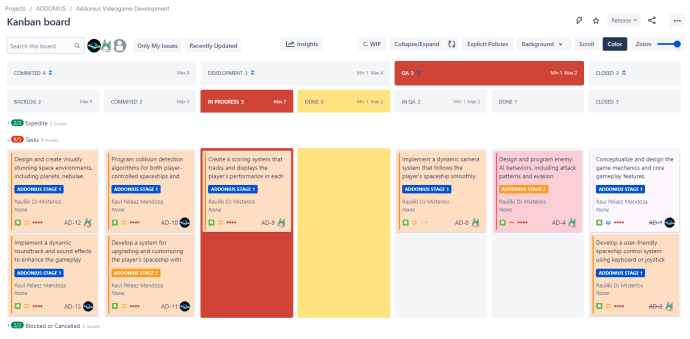
Explicit Policies help define clear guidelines and rules for each stage of the workflow to ensure smooth progress and prevent bottlenecks. Here’s a suggested template with sections for each typical column in a Kanban board: Remember that Explicit Policies should be clear, concise, and easy to understand. They should also be open to improvement based…

Read More

Tips for Description & Comment Templates for Jira: Boosting Efficiency and Collaboration using Explicit Policies Templates in Kanban boards

In the world of project management, Jira Cloud is a widely used tool for tracking and managing tasks. It offers various features and plugins that enhance productivity and collaboration. In this blog post, we’ll focus on two powerful plugins, Description & Comment Templates for Jira and Kanban Combined WIP for Jira, and explore how they…

Read More

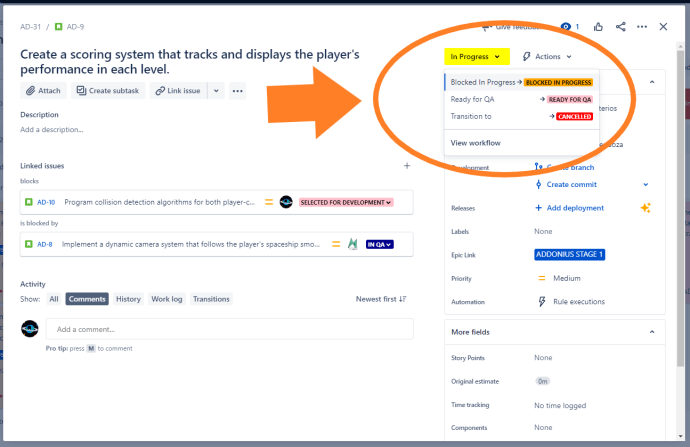
Tips for New Status Colors PRO for Jira: Highlight Waiting States with Orange for Better Visibility

Waiting states in your Jira workflow are crucial to track, as they often represent dependencies or pending actions. To ensure these states are easily identifiable, consider using the color orange in New Status Colors PRO. By coloring statuses such as “Blocked,” “On Hold,” and “Waiting for…” in orange, you create a visual cue that distinguishes…

Read More