
By default, Jira uses green to indicate positive statuses, which can lead to confusion when dealing with negative states. However, with New Status Colors PRO, you have the power to redefine these negative states by coloring them in red. By assigning red to statuses like “Deny,” “Cancelled,” “Discarded,” and “Failed,” you create a clear visual…
Read More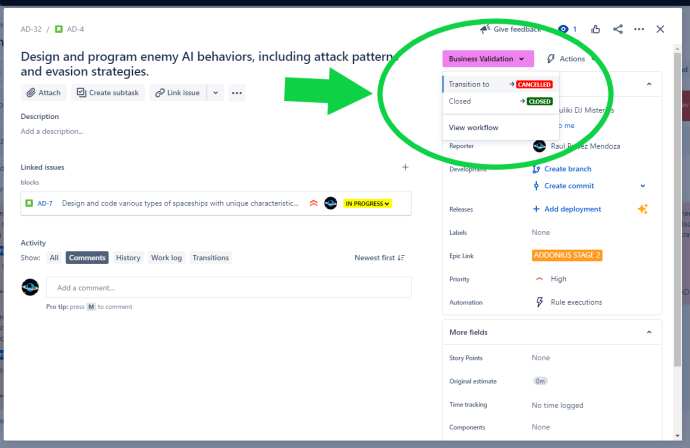





 www.MrAddon.com ®: Jira & Confluence Administration Support Blog