Tips for Description & Comment Templates for Jira: Streamline Issue Creation with Automatic Description Content in Jira

With the Field Configuration feature of the Jira Project, you can enhance your workflow by setting the Description field as mandatory. By doing so, whenever you create new issues such as Stories, Bugs, or any other issue type from the Kanban backlog, the IssueView will automatically open, prompting you to fill in the Description Content.…

Read More
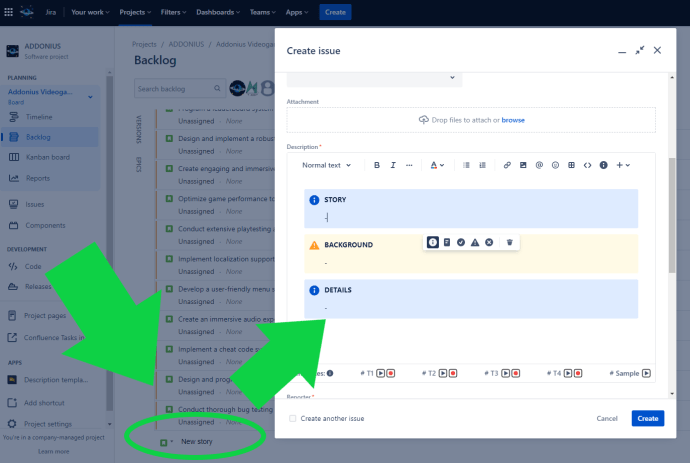
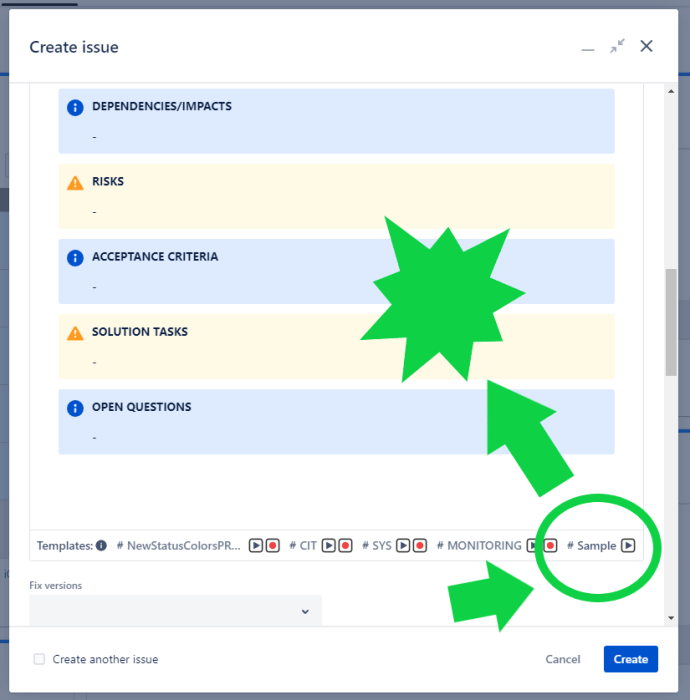
Tips for Description & Comment Templates for Jira: Streamline Your Jira Workflows with Clear Story and Bug Templates

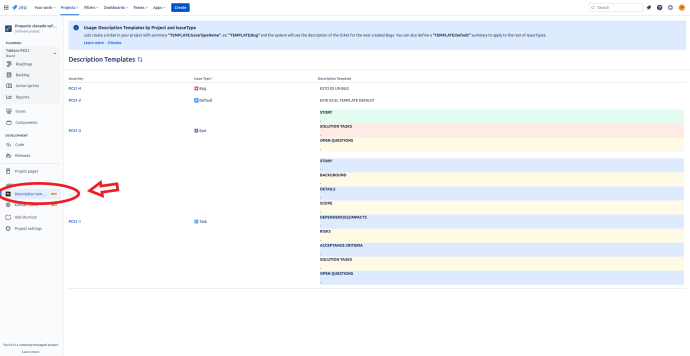
Efficiently managing software development projects requires effective communication and documentation. When it comes to organizing and tracking tasks in Jira Cloud, having clear and consistent templates for stories and bugs can significantly enhance productivity. In this blog post, we will explore the benefits of using a story template and bug template in Jira, and demonstrate…

Read More

Tips for New Status Colors PRO for Jira: Utilize the Transition Panel for Seamless Reporting in eazyBI

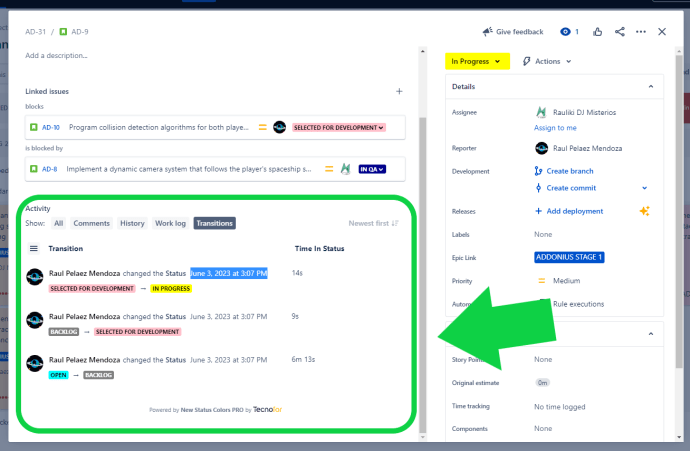
For Jira users who rely on the eazyBI reporting plugin, accurate and timely data synchronization is crucial. The New Status Colors PRO app offers a valuable feature, the Transition Panel, which simplifies the process of tracking transition dates within issues. Rather than manually searching through numerous issues to find the relevant transition dates for reporting…

Read More

Tips for New Status Colors PRO for Jira: Highlight Waiting States with Orange for Better Visibility

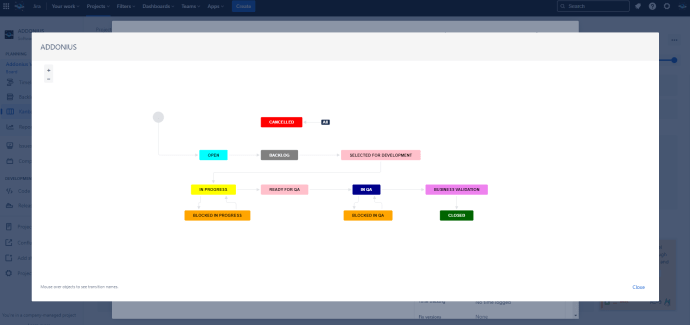
Waiting states in your Jira workflow are crucial to track, as they often represent dependencies or pending actions. To ensure these states are easily identifiable, consider using the color orange in New Status Colors PRO. By coloring statuses such as “Blocked,” “On Hold,” and “Waiting for…” in orange, you create a visual cue that distinguishes…

Read More

Tips for New Status Colors PRO for Jira: Redefine Negative States with Red for Improved Accuracy

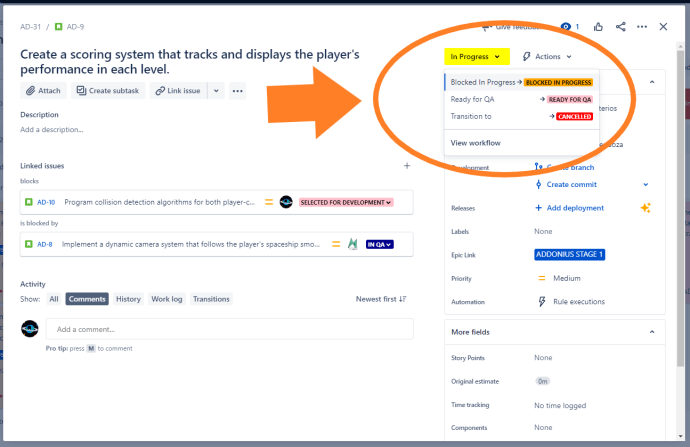
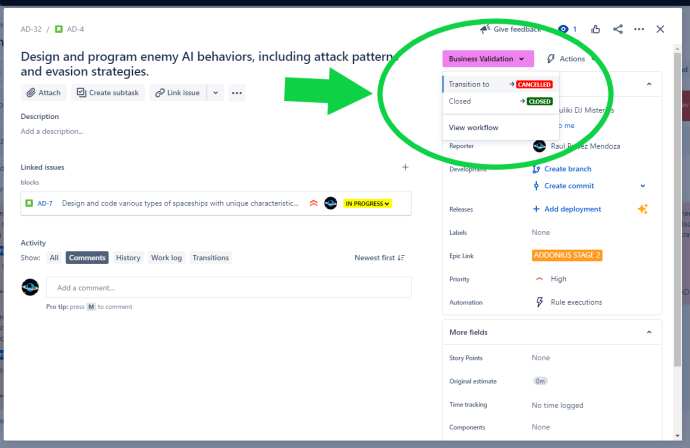
By default, Jira uses green to indicate positive statuses, which can lead to confusion when dealing with negative states. However, with New Status Colors PRO, you have the power to redefine these negative states by coloring them in red. By assigning red to statuses like “Deny,” “Cancelled,” “Discarded,” and “Failed,” you create a clear visual…

Read More

[PDF] – Webinar Visual management For your Jira

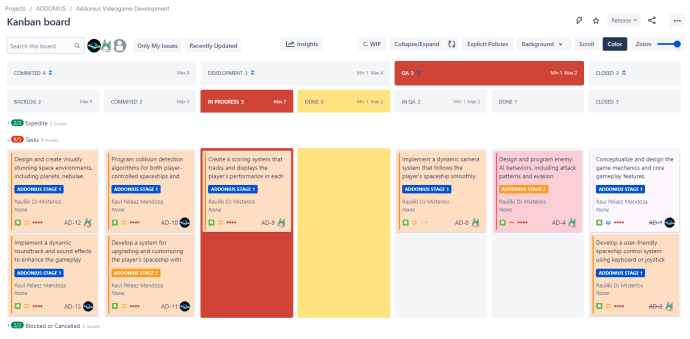
The Visual Management for Your Jira Webinar is an informative event that delves into the power of visual management in optimizing project workflows within the Jira platform. This webinar is designed to provide attendees with valuable insights and practical strategies for improving project visibility and enhancing collaboration. The Visual Management for Your Jira Webinar offers…

Read More