
Very simple! Download the plugin Kepler Custom Fields Create a SIL Script Custom Field In the custom field configuration set a new script like this: return ldapUserRecord(“attribute”, “”, “”, “”, “user@example.com”, “user”); Remember to configure the LDAP connection Go to “Cog icon” –> Addons –> KEPLER –> LDAP Configuration URL = ldap://localhost:389 BIND USER =…
Read More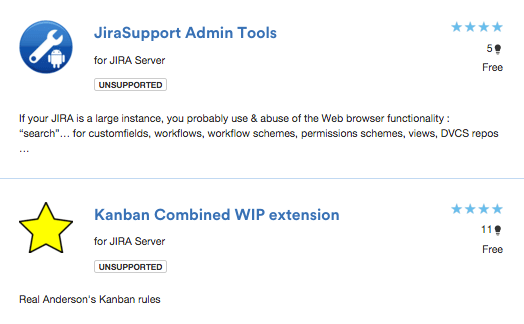
New release of my plugins
Today is a goooood DAY! New release of “Kanban Combined WIP extension” and “JiraSupport Admin tools” plugins for JIRA, mow more COOLs & AMAZINGs! DOWNLOAD FROM ATLASSIAN MARKETPLACE
Read MoreNew JIRA Listener example: Copy ticket & link

My new addon for JIRA: JiraSupport Admin Tools
If your JIRA is a large instance, you probably use & abuse of the Web browser functionality : “search”… for customfields, workflows, workflow schemes, permissions schemes, views, DVCS repos … with this plugin, this functionality is added in the top buttons of each view of the project administration artifacts (with the autocomplete option)… it’s a…
Read MoreLastComment : New Custom Field in JIRA
Download the plugin Kepler Custom Fields Create a SIL Script Custom Field In the custom field configuration set a new script like this: return getLastComment(key)[“text”]; Insert the custom field in the screen That’s all! SIL Syntax programming
Read MoreHow to create and configure CC (Participant) field in JIRA
To enable users to create and configure CC or participant field in JIRA. Create a Custom Field called CC with custom field type as User Picker (multiple user). Add the newly created Custom Field CC to the relevant Screens that you require it for. Go to the relevant project’s Notification Scheme and add notification for…
Read More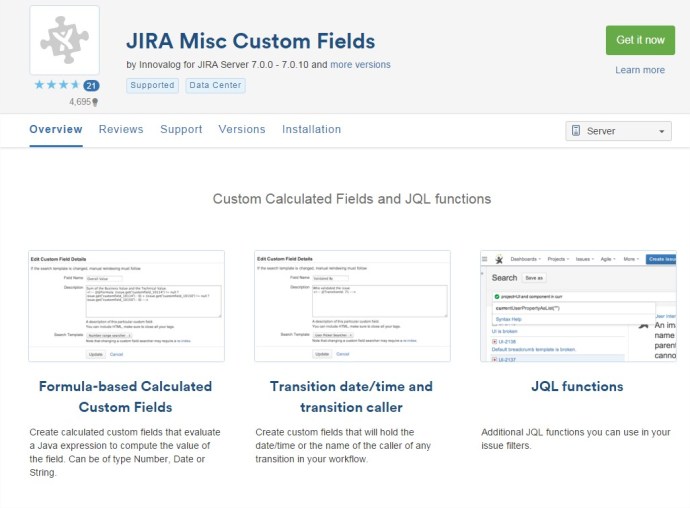
How to create a Custom Field calculated in JIRA with JIRA MISC addon
To create a new custom field calculated, we can use the addon of JIRA “JIRA Misc Custom Fields”. The plugin can be downloaded from: https://marketplace.atlassian.com/plugins/com.innovalog.jmcf.jira-misc-custom-fields/server/overview Example of Custom Field that sum two different Custom Fields: 1.- Go to create new Custom Field. Select Type “Calculated Number Field” 2.- In the “description” of the new customfield set…
Read MoreNew Listener assign issue depends of a custom field in JIRA
How to Show/Hide Custom Field depend on another custom Field Value in JIRA
Copy this code in the description of a custom field (in the Field Configuration linked to the project)
Read MoreChanging Custom Fields Types in JIRA
Certain fields can be safely upgraded, such as Version and Select lists to their multiple values counterpart. You can change the “customfieldtypekey” in the “customfield” table to whatever you need it to be. The table below lists the keys for commonly changed fields. Custom Field Type Type Key Single Version com.atlassian.jira.plugin.system.customfieldtypes:version Multi Version com.atlassian.jira.plugin.system.customfieldtypes:multiversion Single…
Read More


 www.MrAddon.com ®: Jira & Confluence Administration Support Blog