
Buscamos a un desarrollador senior de Atlassian (JIRA/Confluence) para dar un training a un desarrollador senior de Java para ponerlo al dia en el desarrollo de plugins de JIRA/Confluence. La formacion deberia de centrarse en: Creacion de add-ons de JIRA y Confluence para las ultimas versiones Consejos para convertir un add-on de JIRA 6.4 a…
Read MoreWiderNet seeks Confluence savvy volunteer
Our small non-profit organization, which provides digital libraries to over 1,600 schools in developing countires, needs help migrating from an older Confluence to the latest version. It’s all tied to our migration from Drupal to WordPress. For years we’ve pulled occasional articles out of Confluence to include them on our Drupal Web site using XML-RPC.…
Read More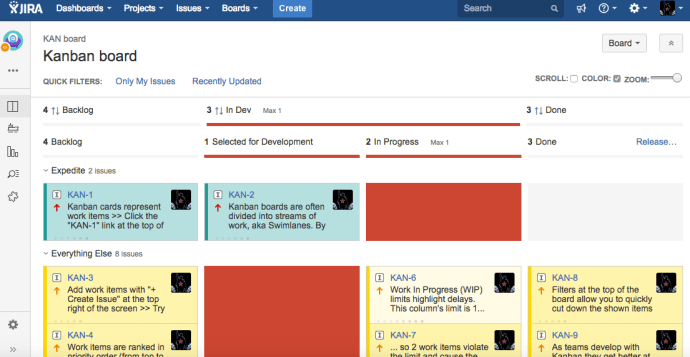
New modes in Kanban Combined WIP for JIRA
We have good news! The new release of “Kanban Combined WIP” for JIRA is OUT! Now the JIRA Administrator can configure 3 modes of use! FUN (or empty, the default mode) to have animations and sounds in the boards! NOFUN to be more serious… without animations and sounds… NOTOOLBAR to remove the Kanban Combined WIP…
Read More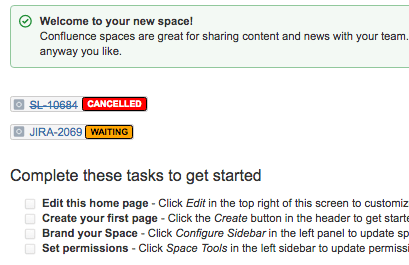
New Status Colors extension for Confluence (FREE)
What is New Status Colors for Confluence? With this Confluence Server add-on, your users will see two colors more than the usual and bored “BLUE“, “YELLOW“, “GREEN” in the STATUSES of all the “JIRA Filters” or “JIRA Issues” inserted in all Confluence pages. The two colors that this plugin allows are: “ORANGE“: For…
Read More
New Groovy PostFunction Transition Linked Issue in STATUS X
This is the example code for a PostFunction to transition a linked Issue in status X to another status of the workflow. Very easy with Adaptavist Scriptrunner. See this code.
Read More
New Groovy PostFunction: Add fixed watcher on create issue transition
Here the sample code to add a fixed watcher on the create issue transition of a Workflow. Very easy and useful script! This is a script PostFunction of the Adaptavist Groovy ScriptRunner Atlassian JIRA Plugin. You can add, for example, a user linked to an email of a distribution list.
Read More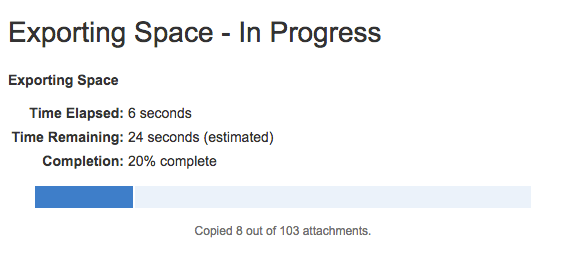
How to Export/Import Space in Confluence
Very easy! Go to your Confluence SPACE settings (Space Tools –> Content Tools) and Select “Export to XML” Then export to generate the .ZIP file Then go to the Confluence “Administration Page” and select “Import Spaces” Click in “Import Spaces” and upload your .ZIP file to Import. Link to Cloud Project isn’t Mandatory let it…
Read MoreWhere is the StatusPage of the Atlassian Services?
One year ago, Atlassian had purchased StatusPage. This is a “service” to know the status of all “Services” of a Company. Today I have asked in my Linkedin this “It seems that yesterday Atlassian, had some security problem and decided to reset the passwords of all users … then the Authentication server was blocked all…
Read More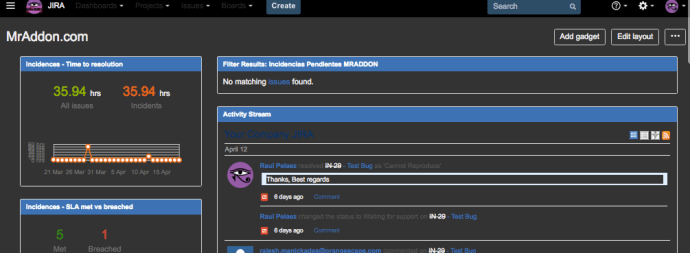
Black JIRA
Sometimes, the JIRA Admins spend a lot of time viewing JIRA screens, and by default, the background of these screens are WHITE… it’s very hard for my eyes… As possible solution, we can solve this problem installing a plugin in our Google Chrome Browser called “Stylish“. You can download free here. Once installed in the…
Read More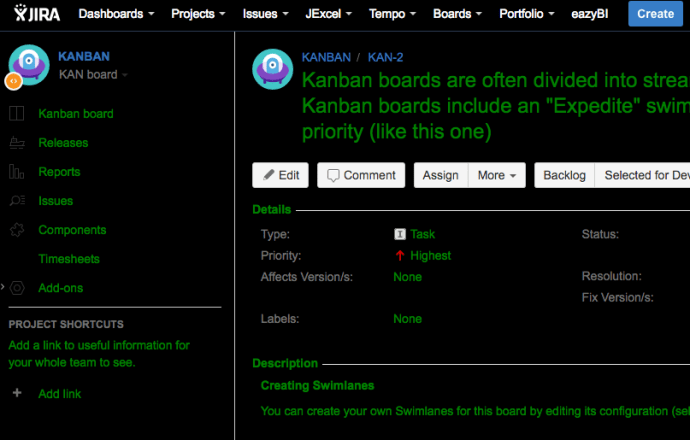
How to change the UI styling of JIRA
Very easy with ScriptRunner! But first… you need to change the setenv.sh file from your bin folder of JIRA. We need to add to the JVM_REQUIRED_ARGS the system property plugin.resource.directories Once added to the target folder, you can upload here the CSS or JS files you need for you UI customizations. Then RESTART the jira…
Read More
How to remove the CLONE option in JIRA Projects
Very easy with Scriptrunner plugin! Go to “Cog Icon–>Add-ons–>SCRIPTRUNNER–>Script Fragments” Add a Hide option and insert these parameters. NOTE 1: Remember, the option must return “false” to hide the option. NOTE 2: replace “KAN” for the Key of the project you want to apply
Read More
How to know the location to insert a fragment in JIRA
With ScriptRunner is very easy! IMPORTANT NOTE: YOUR JIRA INSTANCE MUST BE A NON-PRODUCTION SERVER Go to “Cog icon–>Add-ons–>SCRIPTRUNNER–>Script Fragments–>Click in “enable” phrase” You will see then the “debug” mode… (more info)
Read More


 www.MrAddon.com ®: Jira & Confluence Administration Support Blog