New plugin for JIRA: New Status Colors FREE

New colors for two kind of status [red] for “Cancel” or “Cancelled”, “Suspend” or “Suspended”, “Reject” or “Rejected” and [orange] for “Wait” or “Waiting”, “Hold”, “On Hold”, “Pause” or “Paused”. Only you need to create the new status using this names.(containing one of this words,i.e. for word “Waiting”: “Waiting for Customer”, “On Waiting”, …). This…

Read More
Create a new plugin / add-on in JIRA to set custom CSS and Javascript / JS in all pages

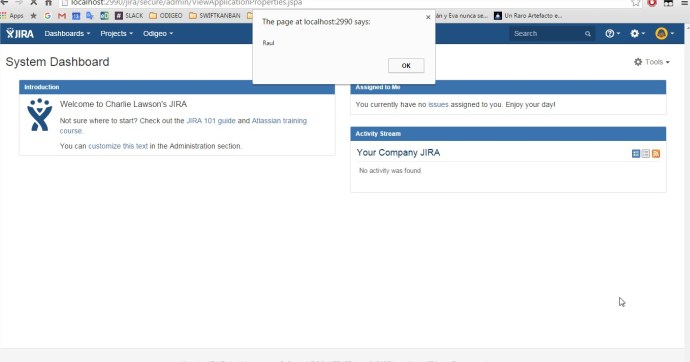
Creating our first JIRA plugin “Hello World”: enter in C:\atlastutorial atlas-create-jira-plugin Enter 1 for JIRA 5 groupId: com.atlassian.tutorial artifactId: helloworld version: 1.0-SNAPSHOT package: com.atlassian.tutorial.helloworld Press Y to continue Browse to and open the atlastutorial/helloworld/src/main/resources/atlassian-plugin.xml file Modify helloworld.js and add inside a piece of code like this: “alert(“Hola!”)” Modify the tag <context> to active the Javascript…

Read More

Create a new Add-on or Plugin in JIRA to show more options in the Main Menu /General Menu

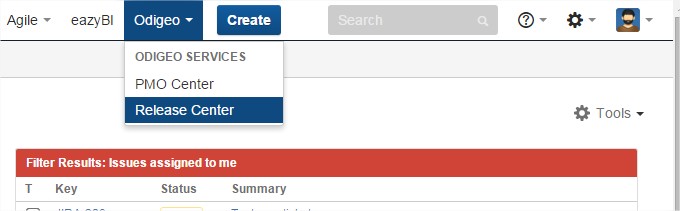
Creating our first JIRA plugin “Hello World”: enter in C:\atlastutorial atlas-create-jira-plugin Enter 1 for JIRA 5 groupId: com.atlassian.tutorial artifactId: helloworld version: 1.0-SNAPSHOT package: com.atlassian.tutorial.helloworld Press Y to continue Add a module to the plugin: enter in C:\atlastutorial atlas-create-jira-plugin-module Select the 30 Web Section item by entering 30. Answer each question as follows: Question Value Description…

Read More