
With this Confluence Datacenter add-on, your users will see a new Macro to render remote Markdown files in Confluence pages!
Marked is very easy to use! I promise!
- Put the Marked macro in your page:
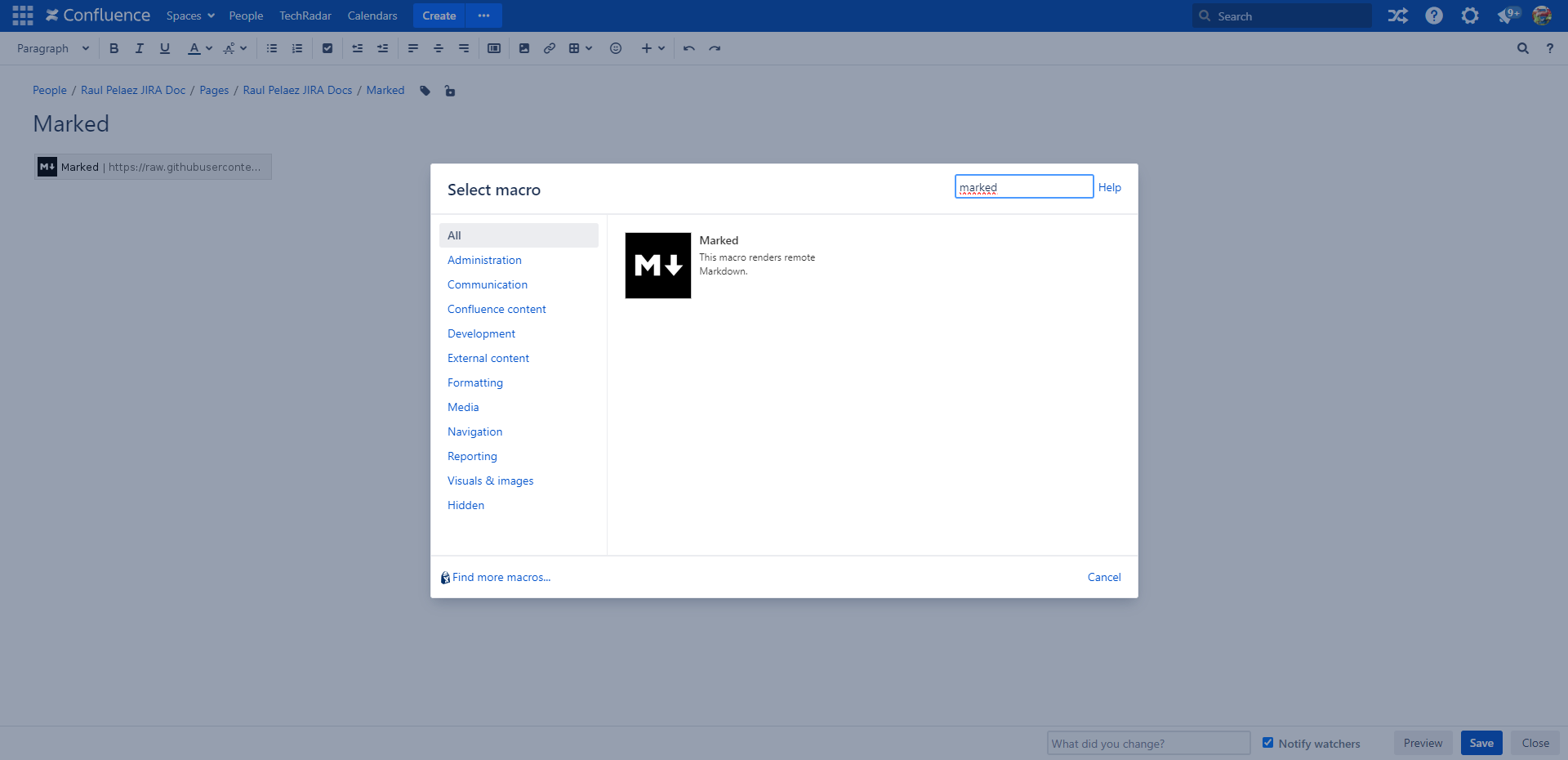
- Select marked in the Select macro dialog.
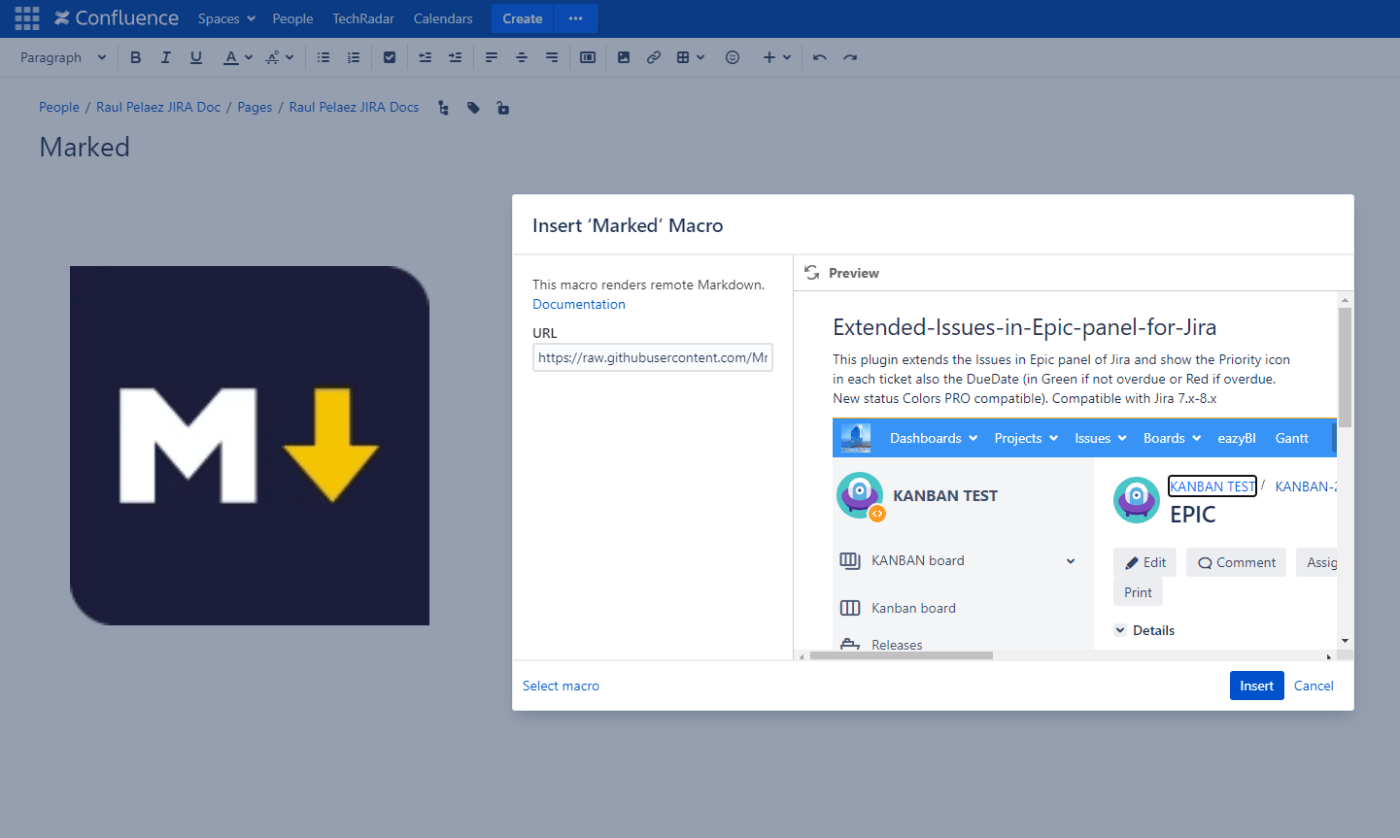
- Insert the URL of your raw markdown resource in the input field labeled with URL.
- Preview the rendered result by clicking on Preview.
- Insert the rendered content by clicking on Insert. You can now preview and save the document.
Follow the steps like in those pictures:


Now Marked is compatible with Confluence Datacenter and is a commercial version with official support.
Try it free! Link: https://marketplace.atlassian.com/apps/1213594/marked?hosting=datacenter&tab=overview
#Render #Remote #Markdown In #Confluence #Datacenter
MrAddon by TecnoFor
.


 www.MrAddon.com ®: Jira & Confluence Administration Support Blog