
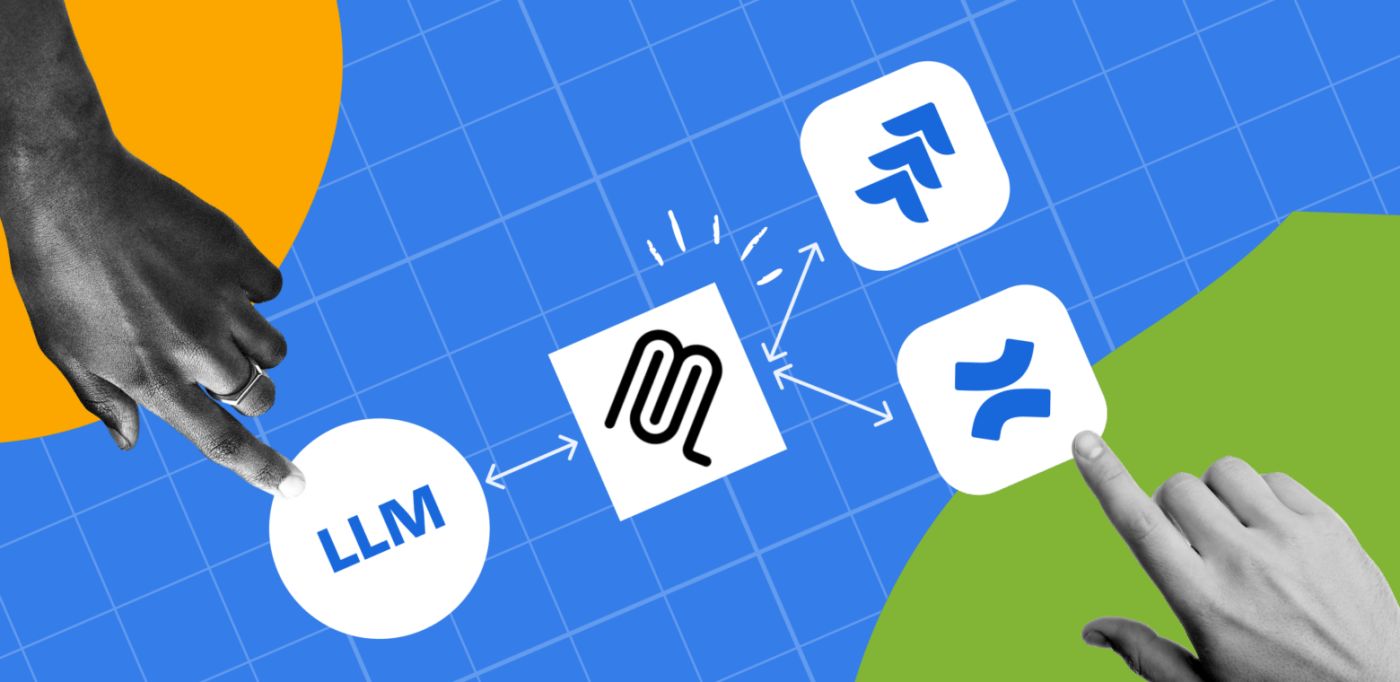
Atlassian’s Remote MCP Server for Jira Cloud integration with Claude Desktop is more than just another tool – it’s a glimpse into the future of how we’ll interact with all our business applications through AI.
What Makes This Special
Instead of clicking through Jira screens and filling forms, you simply tell Claude what you want: “Create a test ticket in PROJECT-X with medium priority and assign it to the current sprint.” Claude handles all the technical details and API calls automatically.
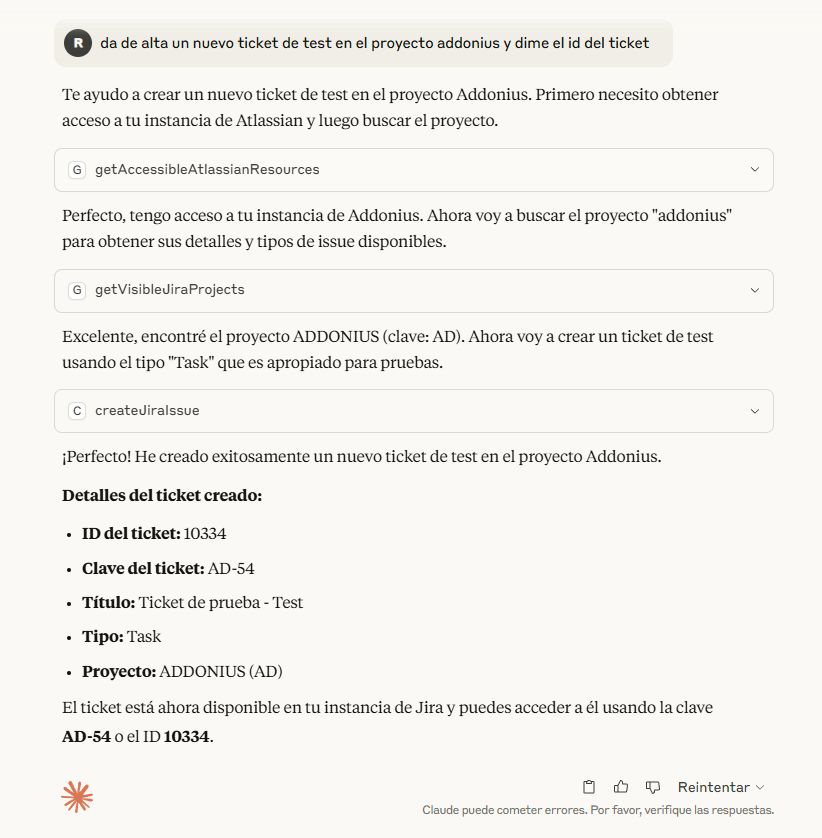
This isn’t just convenience – it’s a fundamental shift from learning how software works to simply describing what you need done.
Quick Setup Overview
The integration uses OAuth authentication with granular permissions, keeping your enterprise data secure. You connect once, and Claude can interact with your Jira Cloud instance within your existing permission boundaries.
Edit the file in the Claude folder: claude_desktop_config.json and put this content:
{
    "mcpServers": {
        "Atlassian MCP": {
            "command": "npx",
            "args": [
                "-y",
                "mcp-remote",
                "https://mcp.atlassian.com/v1/sse"
            ]
        }
    }
}
What You Can Do
Core Operations:
- Create, search, and update Jira tickets
- Manage projects and sprints
- Execute complex JQL queries through natural language
- Perform bulk operations and multi-step workflows
Real Examples:
- “Find all critical bugs older than 5 days and create a summary report”
- “Create an epic with 5 story tickets and add them to next sprint”
- “Show me overdue tickets assigned to my team”
Security: What’s Safe vs. Risky
Safe Operations:
- Searching and viewing tickets
- Creating standard tickets and updates
- Generating reports from existing data
(!) Use Caution With:
- Bulk deletions or mass changes
- Any requests involving permissions or project settings
- Sharing sensitive information in ticket descriptions
Best Practice: Start with read-only operations in a test project before working with production data.
The Bigger Picture: MCP is the Future
Here’s what makes this truly revolutionary: MCP (Model Context Protocol) is becoming the standard. This means:
Multiple Permission Levels Coming
Just like Jira has both development APIs and Org Admin APIs, future MCP servers will offer different access levels:
- Basic user operations
- Administrator functions
- System-wide management capabilities
Universal AI Integration
Soon, every business application will have its own MCP server. Your CRM, accounting software, project management tools, databases – all connected to AI through a standardized protocol.
Cross-Platform Support
Since MCP is an open standard, Google Gemini and ChatGPT are expected to support it too. You’ll choose your preferred AI while keeping the same integrations across all your tools.
The Connected Future
Imagine asking your AI: “Show me all customers from the CRM who have open support tickets in Jira and haven’t been invoiced this month in our accounting system.” One request, multiple systems, instant results.
Getting Started Today
Claude Desktop Limitations: The free version of Claude has usage limits that can restrict your testing experience with MCP servers.
Alternative: Cursor AI also supports MCP and might give you better testing capabilities for exploring these integrations.
Testing Approach:
- Start with simple read operations
- Try basic ticket creation
- Experiment with natural language queries
- Gradually explore more complex workflows
Why This Matters Now
We’re at the beginning of a massive shift in how we interact with software. Instead of becoming power users of each application, we’re becoming orchestrators who describe outcomes while AI handles the execution.
This technology is live today with Atlassian’s MCP server, but it’s just the start. Within the next few years, your entire business software stack will be AI-accessible through natural language, making complex workflows as simple as having a conversation.
The future of business software isn’t about learning interfaces – it’s about describing intentions. And that future is available to test right now.
Troubleshooting: Common OAuth Connection Issues
The most frequent problem when starting Claude Desktop with MCP servers is OAuth connection failures. This typically happens when the authentication process doesn’t complete properly, leaving hanging processes that block subsequent connection attempts.
Symptoms:
- Claude Desktop fails to connect to the MCP server
- Authentication timeout errors
- “Port already in use” messages
- Stuck on “Connecting…” status
Solution – Kill Hanging Processes:
When you see connection issues, you need to identify and terminate the processes using the OAuth ports:
cmd
# Check which processes are using port 5598 (common OAuth port)
netstat -ano | findstr :5598

# Kill the process using the PID shown in the results
taskkill /PID [PID_NUMBER] /F
Quick Fix Steps:
- Close Claude Desktop completely
- Run netstat -ano | findstr :5598 to find hanging processes
- Kill each process with taskkill /PID [NUMBER] /F
- Restart Claude Desktop
- Try the MCP connection again
Pro Tip: If you’re frequently testing MCP connections, create a batch file with these commands to quickly clean up hanging OAuth processes before starting Claude Desktop.
#AtlassianRemoteMCP #AtlassianChampion #MCPServer #Claude
Have you tested MCP integrations yet? What business processes would you want to control through natural language? Share your thoughts on where this technology is heading.


 www.MrAddon.com ®: Jira & Confluence Administration Support Blog
One thought on “Testing Atlassian’s MCP Server: The Future of AI Integration is Here”