
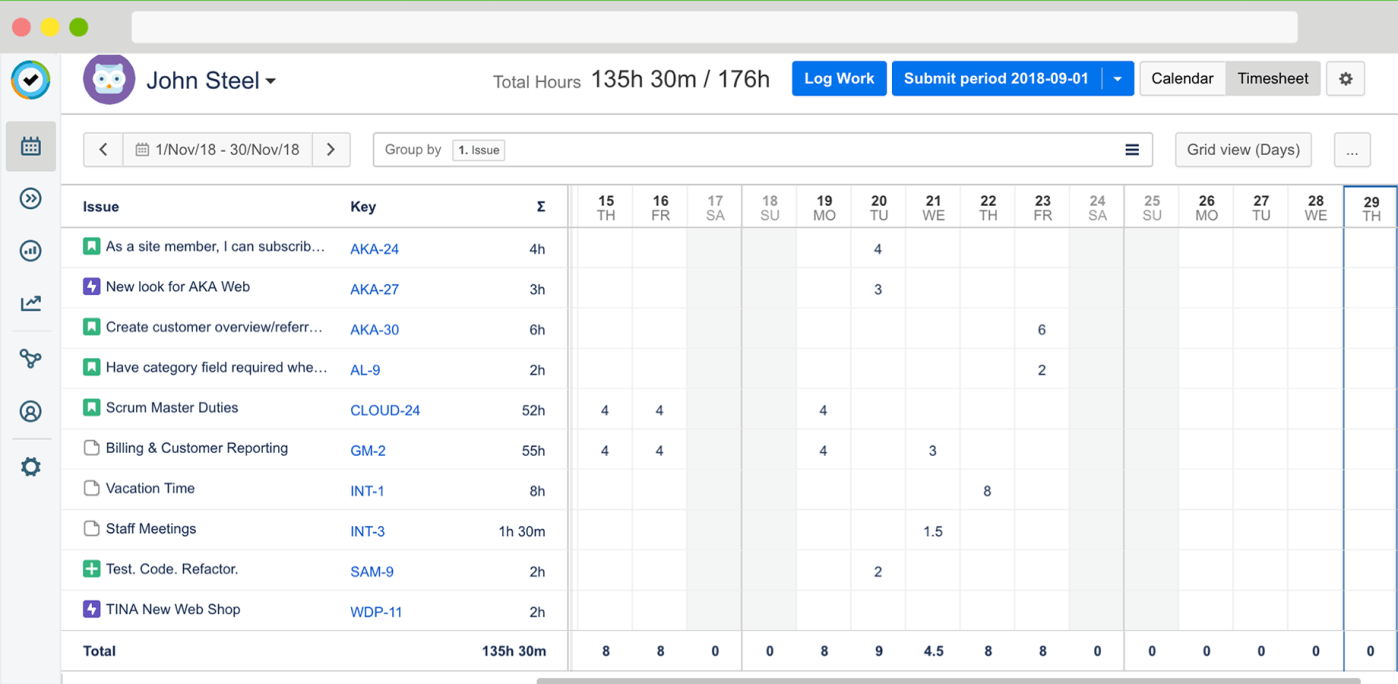
It’s very easy! Just use an URL like this:
https://yourserver.yourdomain/plugins/servlet/tempo-getWorklog/?dateFrom=2019-01-01&dateTo=2019-01-31&format=excel&diffOnly=false&tempoApiToken=my-token
(here the documentation of the Servlet)
remember to set the dateFrom, dateTo params
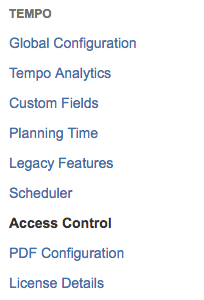
The ApiToken you can find it in the Apps section of Jira, on Tempo “Access Control” option


 www.MrAddon.com ®: Jira & Confluence Administration Support Blog
Hi MR. ADDON,
i have tried this before and it worked. However, today the excel file was not downloaded. Is this applied to certain version of tempo plugin? because we have updated tempo plugin recently
LikeLiked by 1 person
Hi Idiyana,
Here the Tempo announcements 😦
– https://tempo-io.atlassian.net/wiki/spaces/CLOUDNEWS/pages/501907993/2019-11-19+Decommissioning+the+Servlet+API+for+Tempo+Cloud+Products
– https://tempo-io.atlassian.net/wiki/spaces/CLOUDNEWS/pages/763691139/2020-04-01+Tempo+has+Decommissioned+the+Servlet+API
Regards
LikeLike